International Sales Channel Transition and Availability
Please be advised that our official international reseller formally concluded its activities on November 30th, 2025. As a direct consequence of the cessation of operations by our international reseller, and due to the complex nature of establishing a successor, all international sales transactions are currently unavailable.
Customer Support Continuity
Please note that this measure is strictly limited to product sales. Support services for our international clients remain fully operational and accessible through our standard support channel.
We regret any inconvenience this essential transition may cause and appreciate your professional forbearance during this period. We will issue a formal announcement when the new sales channel is prepared to accept international orders.
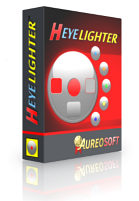
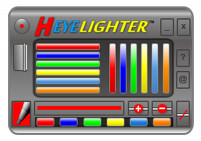
HeyeLighter is a screen marker software application that facilitates the analysis and completion of worksheets and tables, as well as the reading of texts directly on the computer screen.
Use HeyeLighter in your daily tasks and increase your performance when reading or filling out spreadsheets and business documents.
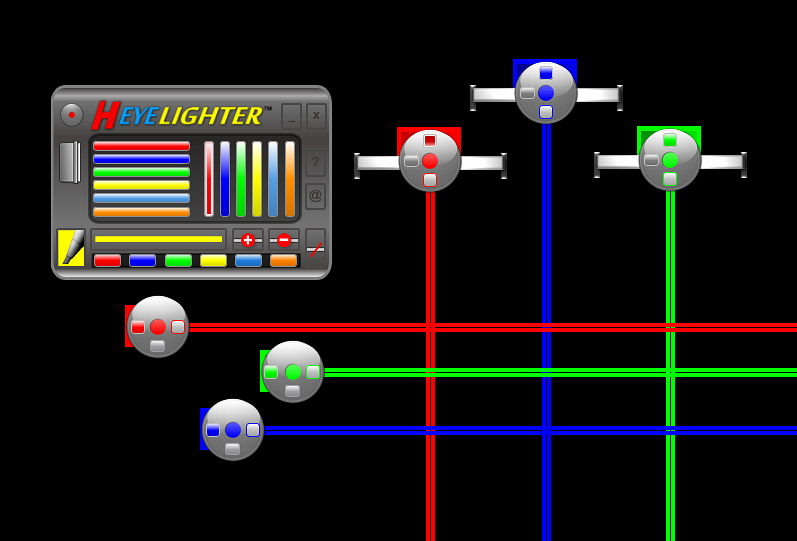
HeyeLighter markers (aureodiscs) are available in six colors: red, blue, green, yellow, light-blue and orange.
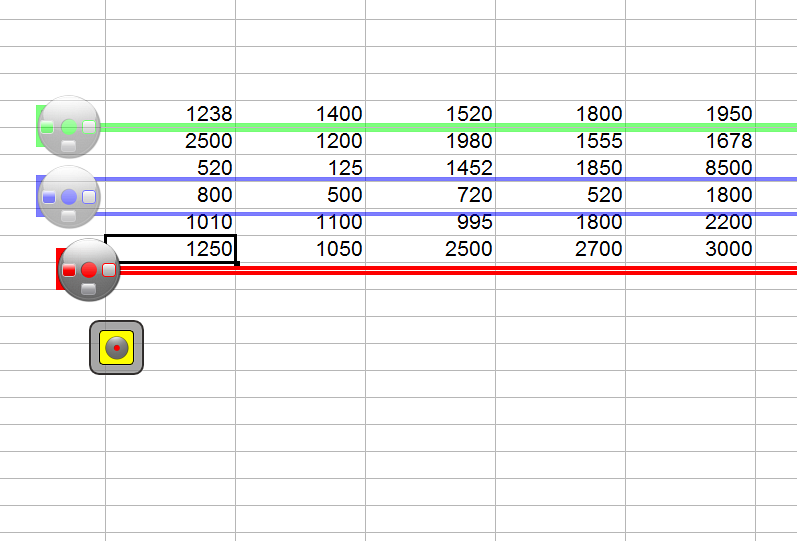
You can use multiple horizontal markers at the same time.
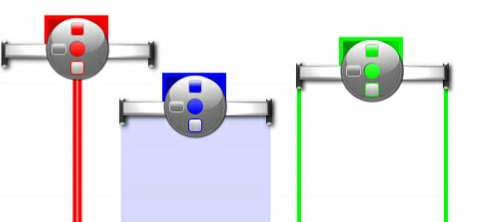
These markers are extremely useful for analysis and completion of columns in tables and spreadsheets.
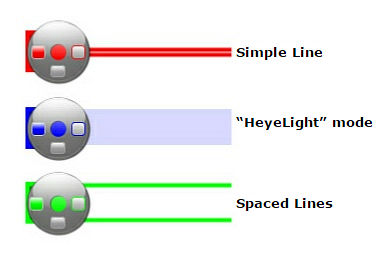
Similarly to the horizontal markers, the vertical markers have three basic modes: simple line, “heyelight” mode and spaced lines.
The horizontal and vertical markers have the new transparent mode (HeyeLighter version 2). In order to activate the transparent mode, double-click the left mouse button on the desired marker.
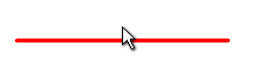
The reading line follows the mouse pointer, facilitating reading of texts and data analysis. You can increase or decrease the size of the reading line.
You can also change the color of the reading line (6 colors available).
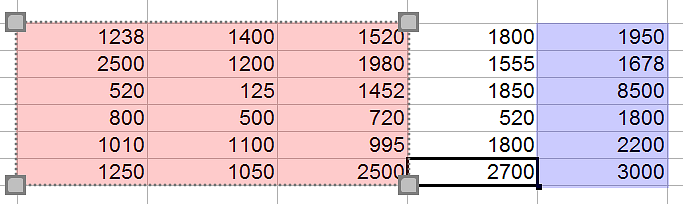
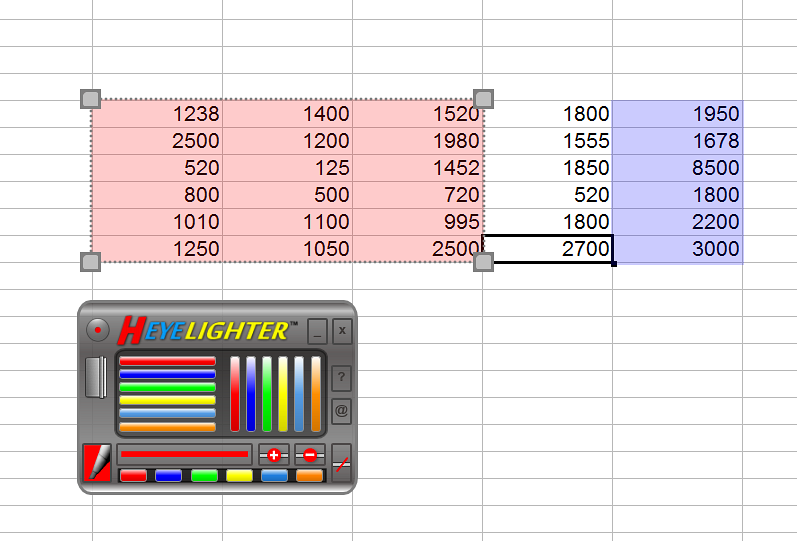
The marker pen allows the selection of areas on the screen to highlight square/rectangular formats. You can move the selected areas on the screen freely. Thus, you can select columns and/or entire rows of spreadsheets, texts and tables for detailed analysis and presentations.
You can use the marker pen in freehand mode, facilitating the design of highlighted areas on the screen.
Use the new edit box to resize the rectangular areas created with the marken pen. It allows for faster and easier editing of the highlighted areas on the screen. (double-click the left mouse button on the highlighted area in order to show the edit box)

The icon mode interface is freely movable on the screen and allows you to activate HeyeLighter’s control panel anytime (show the main interface).
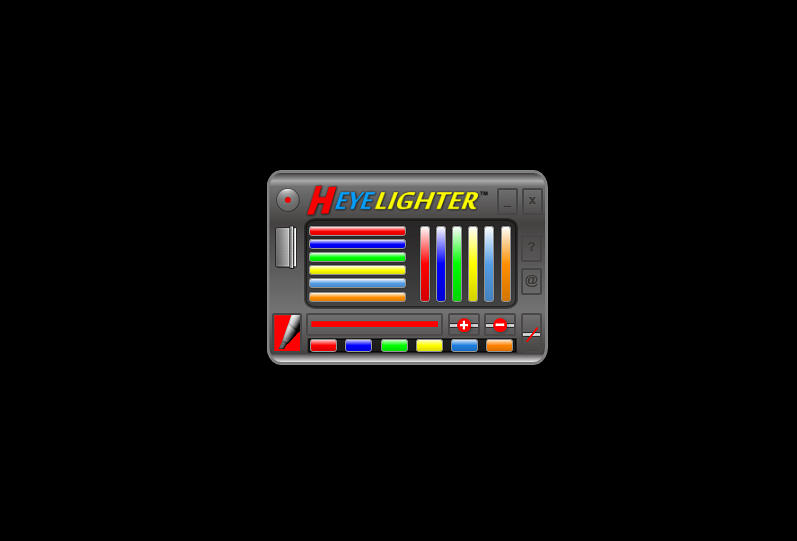
Click on the image to enlarge it.
Please be advised that our official international reseller formally concluded its activities on November 30th, 2025. As a direct consequence of the cessation of operations by our international reseller, and due to the complex nature of establishing a successor, all international sales transactions are currently unavailable.
* You will be redirected to our official reseller (secure checkout).

After confirmation of the payment, you will receive the software activation password in up to 48 hours (usually in less than 4 hours).
UPGRADE: Contact Us