International Sales Channel Transition and Availability
Please be advised that our official international reseller formally concluded its activities on November 30th, 2025. As a direct consequence of the cessation of operations by our international reseller, and due to the complex nature of establishing a successor, all international sales transactions are currently unavailable.
Customer Support Continuity
Please note that this measure is strictly limited to product sales. Support services for our international clients remain fully operational and accessible through our standard support channel.
We regret any inconvenience this essential transition may cause and appreciate your professional forbearance during this period. We will issue a formal announcement when the new sales channel is prepared to accept international orders.

ON-SCREEN KEYBOARD OSSK TECHNOLOGY
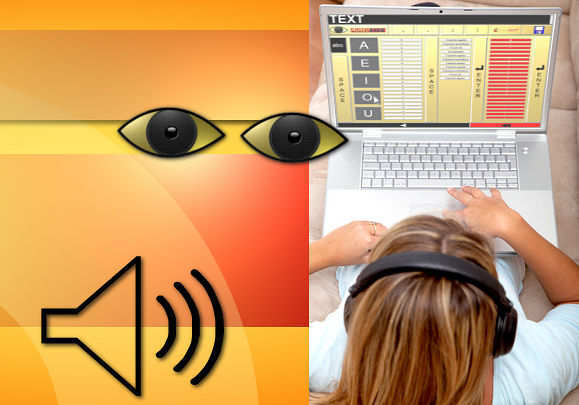

AureoEyes is a mouse-driven and sound-oriented virtual keyboard. This software application has been specially developed for visually impaired people that will be capable of writing their own texts independently. AureoEyes allows you to enter and save text using the program's innovative and friendly interface coupled with respective sound cues.
AureoEyes allows the user to save text files named according to the current date of edition, so that they can be easily organized and printed later.
In association with clipboard reader applications, AureoEyes allows for reading aloud the edited text.
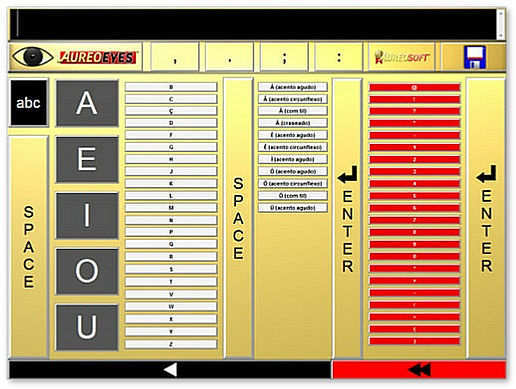
AureoEyes is completely controlled by mouse clicks and movement (mouse-driven application). The user is sound-oriented by hearing cues that help localizing all keys in relation to the vowels and guidepost keys (Space and Enter).
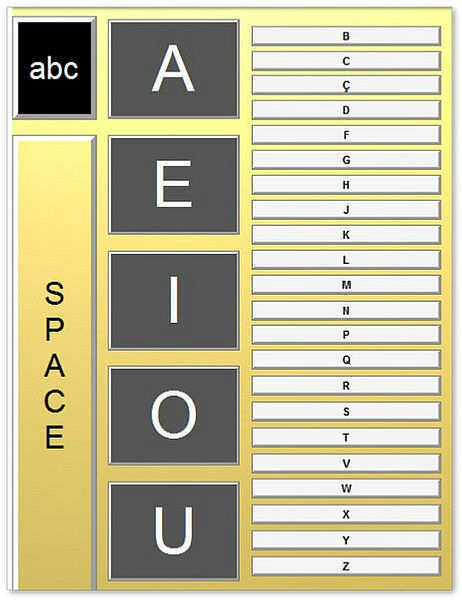
The main locations on the screen that should be taken as the main guides are constituted both by the arrangement of vowels on the left side of the screen and by the position of the guidepost keys (Space and Enter). The latter keys serve also as boundaries for distinct keyboard areas or regions. After finding the vowels, you can find any letter, number or symbol just by sliding the mouse across the screen.
In addition to the vowels, you can use the abovementioned guidepost keys (2 Space keys and 2 Enter keys) to provide boundaries for the number-and-symbol pad (on the right side of the screen).
In sum, AureoEyes’ full screen interface allows for the use of more than 60 different characters, as well as their variations in uppercase and lowercase.
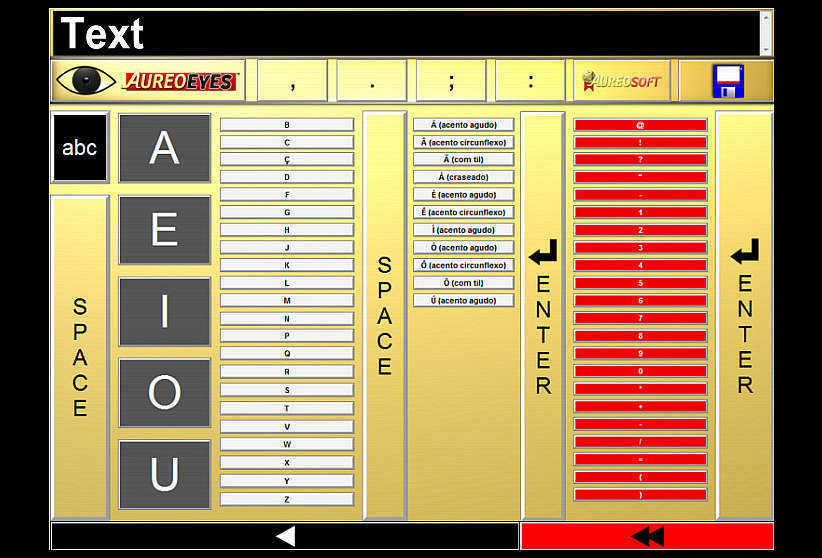
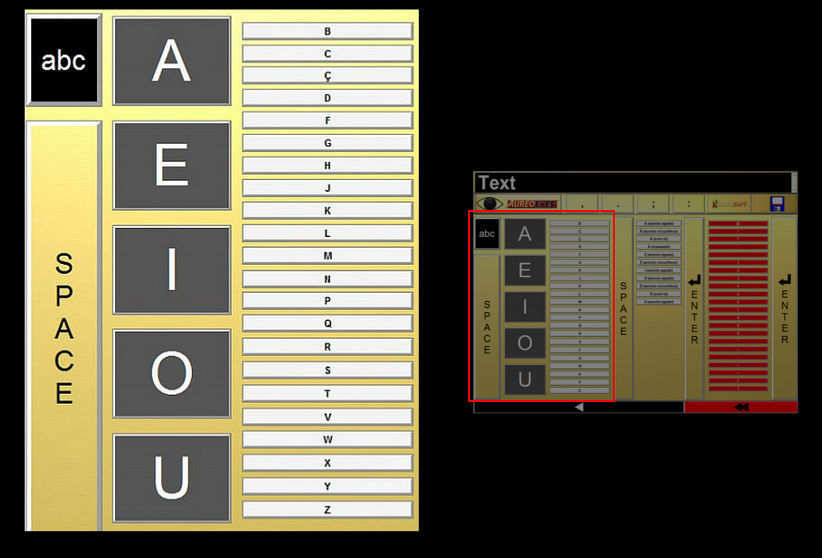
Click on the image to enlarge it.
Download now